Adhoc Assessments

Adhoc Assessments
Adhoc Assessments allow you to request an evaluation from a preceptor at any time during your rotation. These are typically used for additional or specific clinical experiences outside of scheduled weekly assessments.
You can either:
- Request an assessment directly through the system, or
- Share a QR code with a preceptor to complete the assessment on a mobile device
Viewing Assessment Details
You can view full details of any assessment request, including preceptor information, submission status, workflow history, and completed feedback.
How to View an Assessment
- Navigate to Assessments
- Select the relevant assessment type (Weekly, Ad Hoc, or Mid-Rotation)
- Locate the assessment request
- Click to expand the request
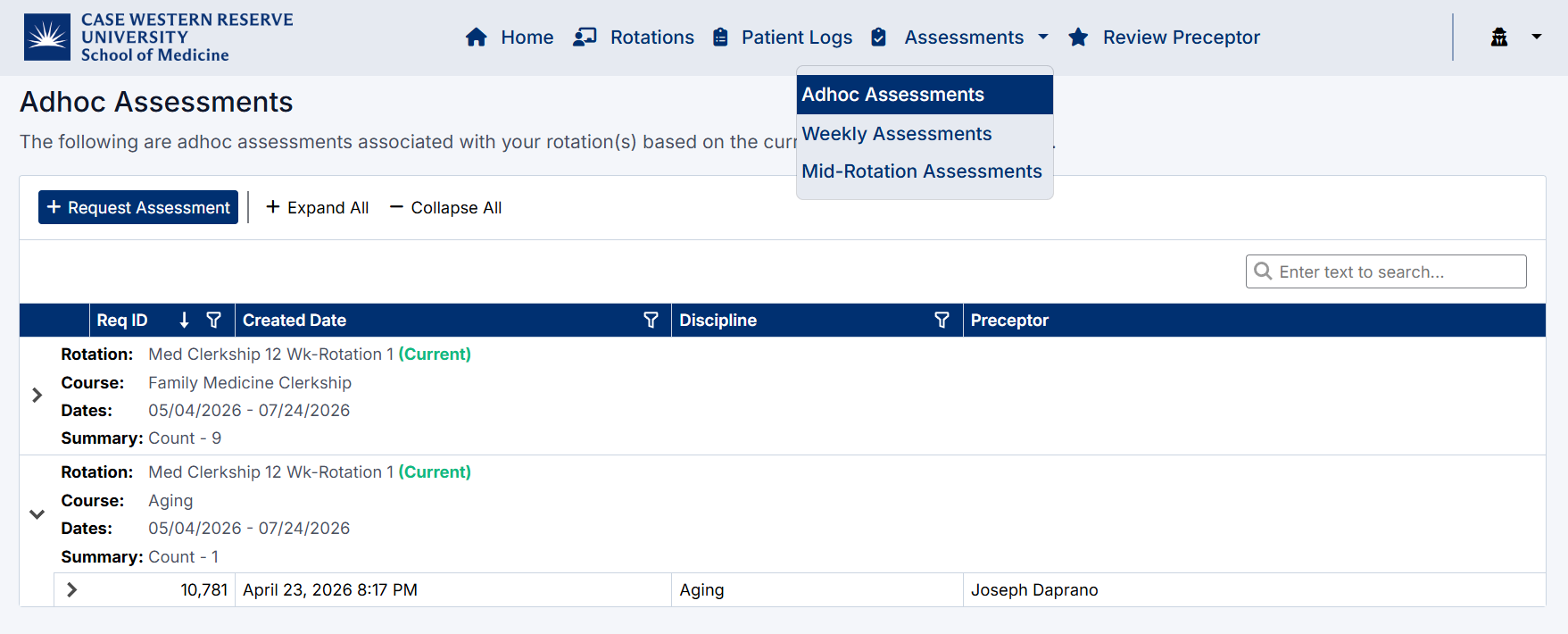
Adhoc Assessment Navigation
Created with the Personal Edition of HelpNDoc: Free HTML Help documentation generator